

In the WorkPal Portal go to Clients:

You can also use the Clients tab in the top menu:

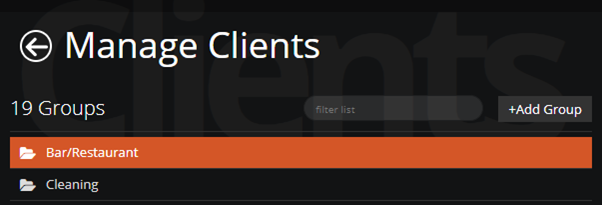
Select the group from the list:
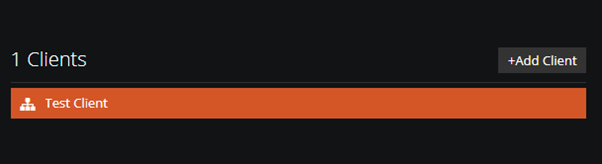
Select the Client:
Select the Site:

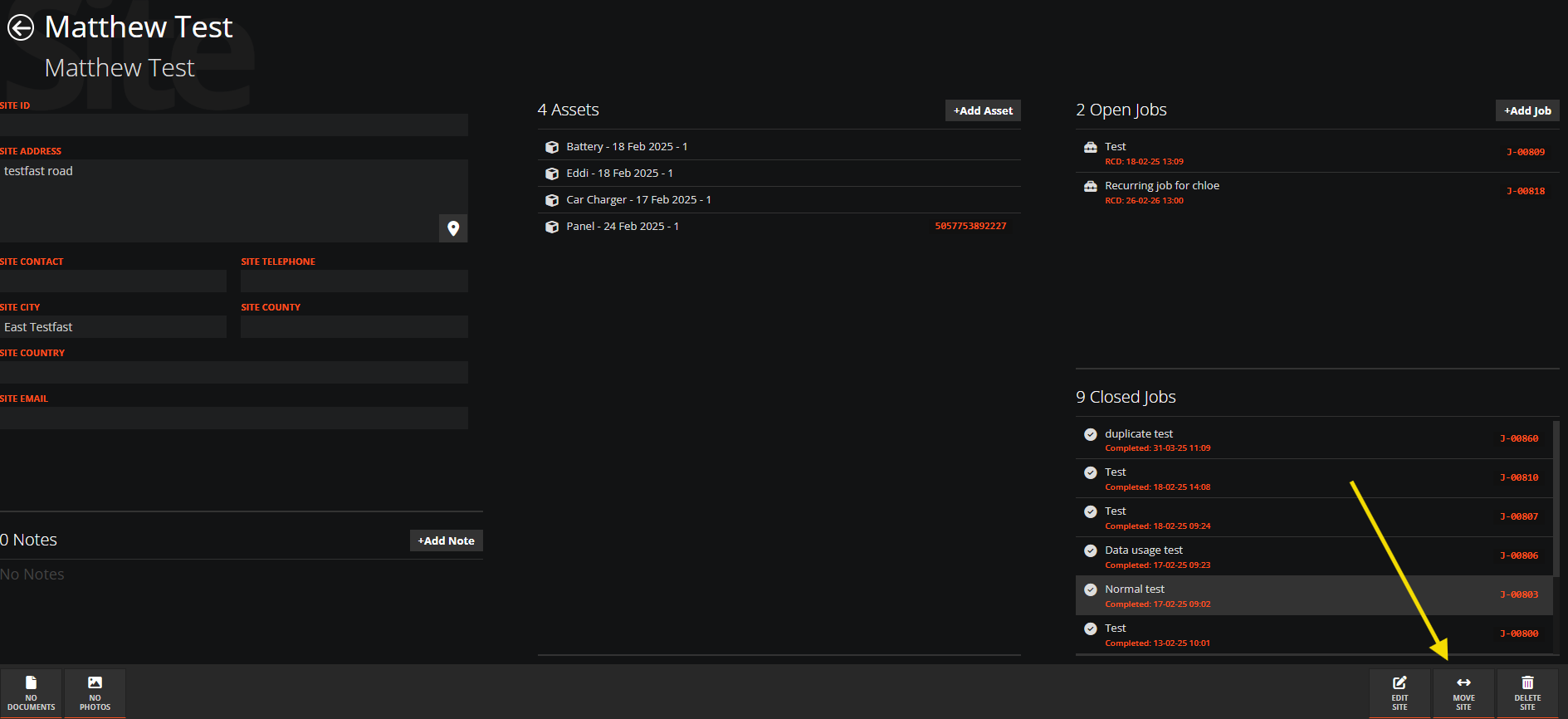
At the bottom right corner of the screen select MOVE SITE:
From the dropdown list select the new group you want your Site to go into:
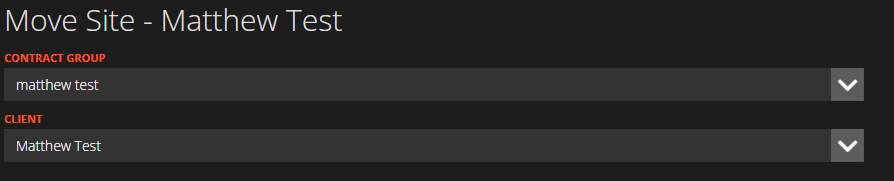
Then from the Drop down list select the Client you want your Site to go into.
Finally select Move Site at the bottom right corner of the screen and your new changes will be saved.