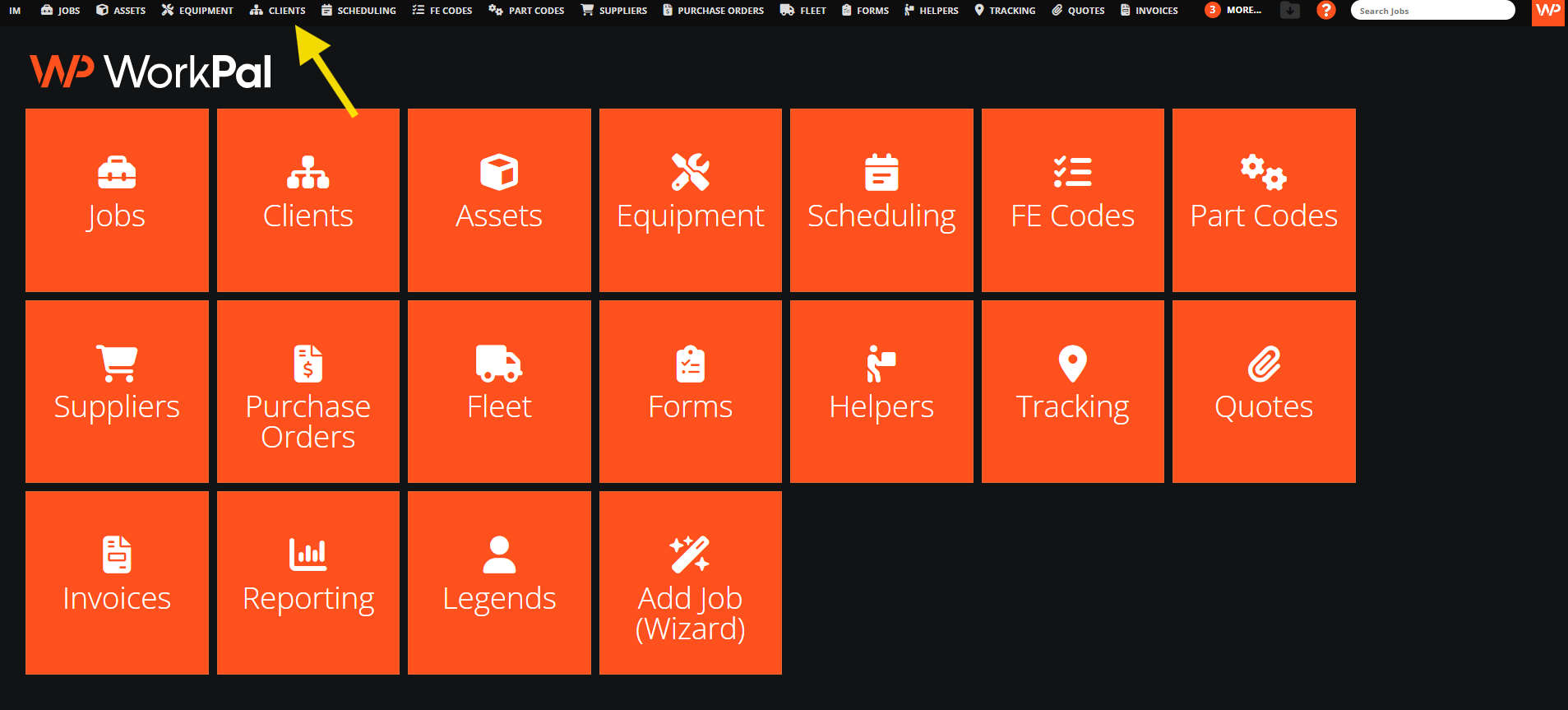
In the WorkPal Portal go to Clients:

You can also use the Clients tab in the top menu:
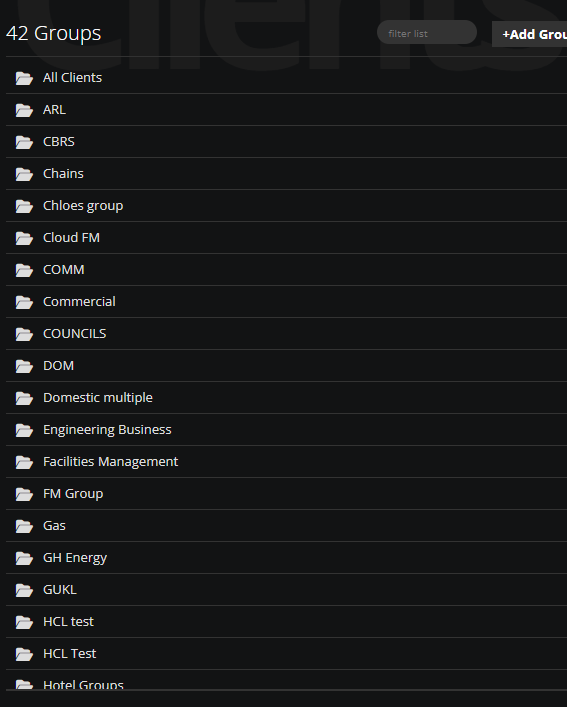
Select the Group from the list:
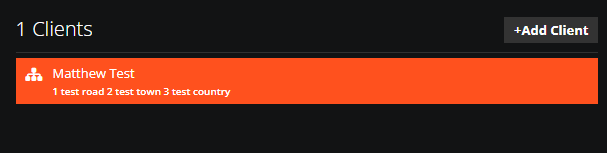
Select a Client:
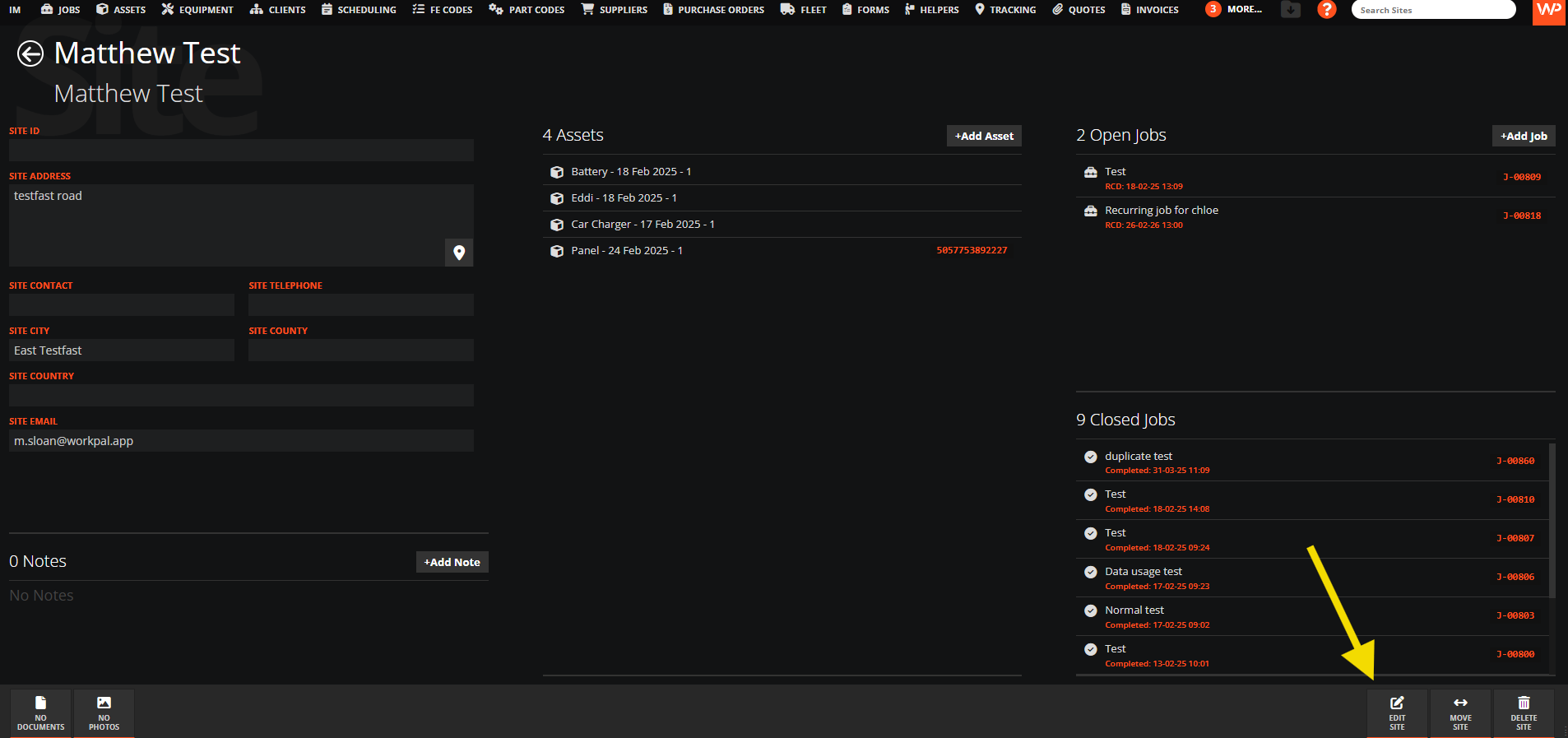
Select a Site:

At the bottom right corner of the screen select EDIT SITE:
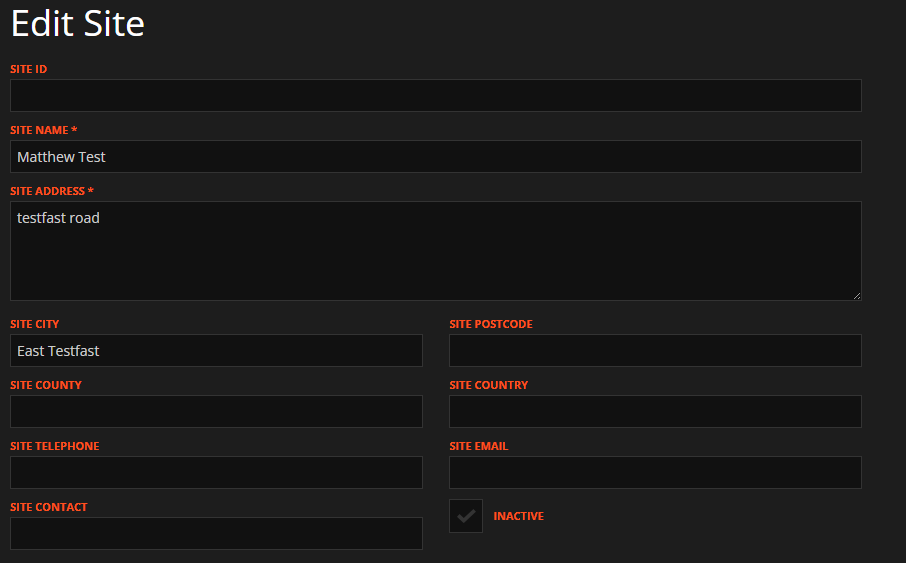
Type the new address of the Site:
Select Lookup Address and the map will refresh. You can drag and drop if you want to have an exact position:
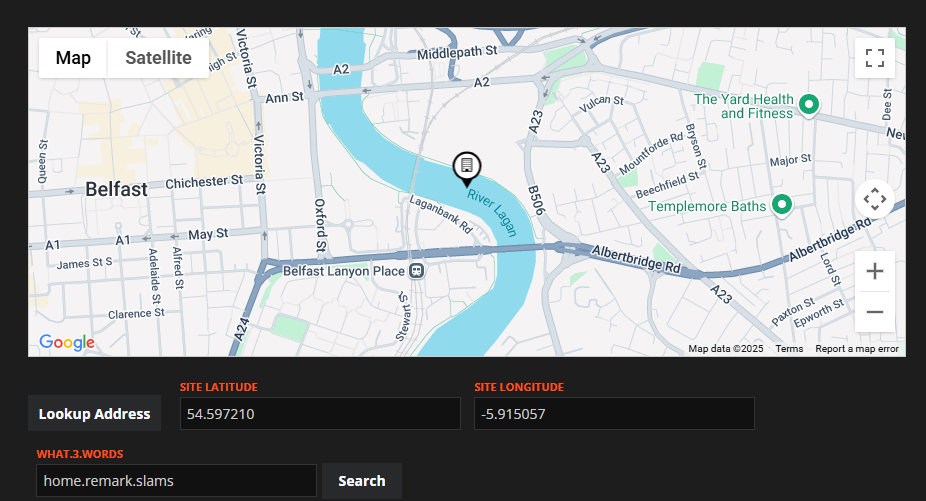
The co-ordinate's' lookup is based on the information you enter into either the Site Address field, or the City and Postcode fields, so you can use either depending on your preference for formatting Addresses.
For Sites in the Republic of Ireland, enter the Eircode into the Site Address field along with the Address.
Select Update at the bottom right corner of the screen to save: