

This guide will show you how to easily create a site in WorkPal.
Click on the Clients tile or menu item to go to the clients section of WorkPal.
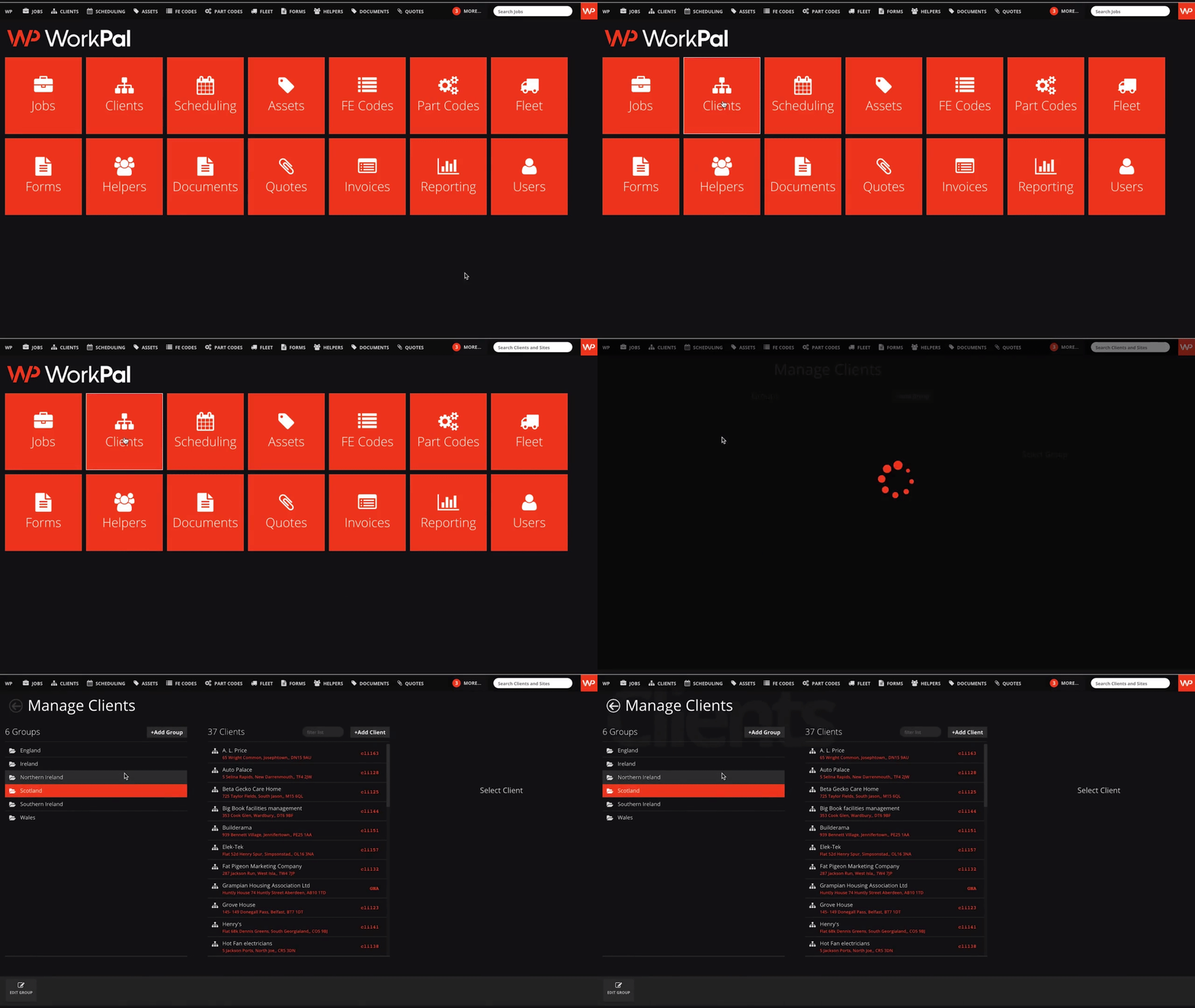
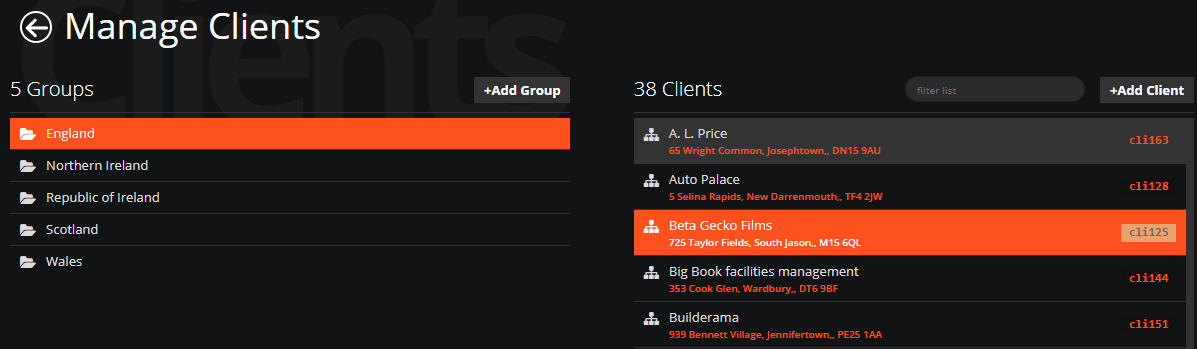
Select the group and client where you want to add a Site.
If a Client has no Sites and sufficient details in the address fields, you can create a site using the "Add default Site" button. This will create the site automatically.
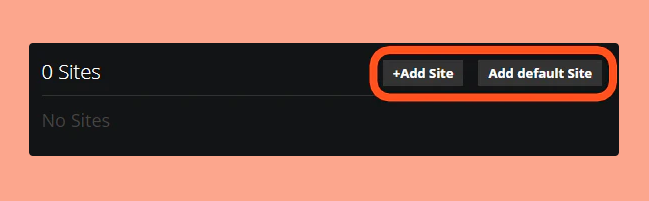
If a Client has existing Sites and you want to add additional sites, or if the client address is not the same address as the site address, you can click "+Add Site".
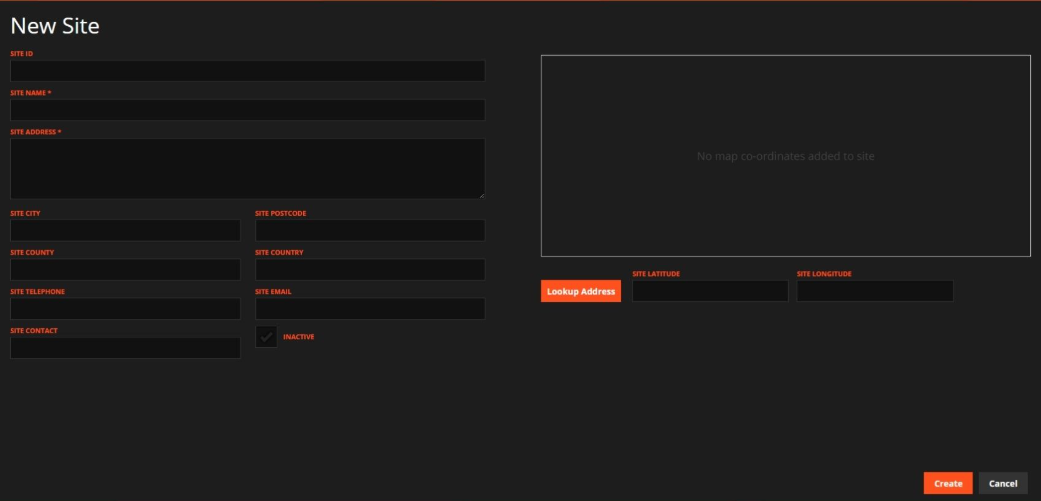
Add the relevant site contact details, including the address, telephone number(s), and/or email address.
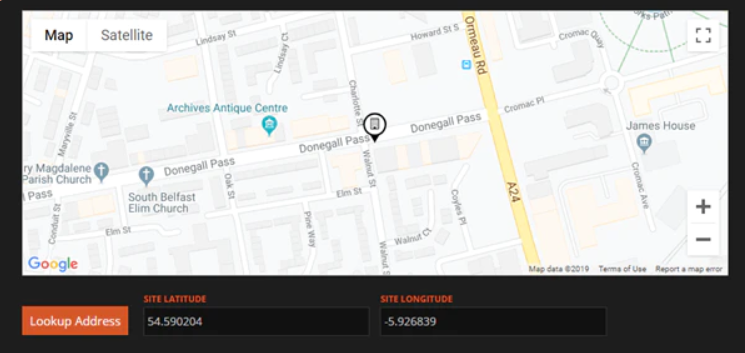
After entering a new address, you can use the system to look up map coordinates. This enables navigation directions to be generated for the site.
The coordinate lookup is based on the information you provide in either the Address field or the City and Postcode fields, so you may use whichever format you prefer.
For sites located in the Republic of Ireland, please include the Eircode within the Site Address field, along with the rest of the address.
To learn how to batch import multiple Sites, please see the Data Import guide here: Importing Data