

Debug Reports are a way to log a WorkPal app issue through the WorkPal mobile app itself.
The issue and logs from your WorkPal app will get sent directly to the WorkPal Support team.
The WorkPal Support team can use these app logs to help identify any software bugs.
If you include your contact details, the WorkPal Support team will reach out with the solution or next steps.
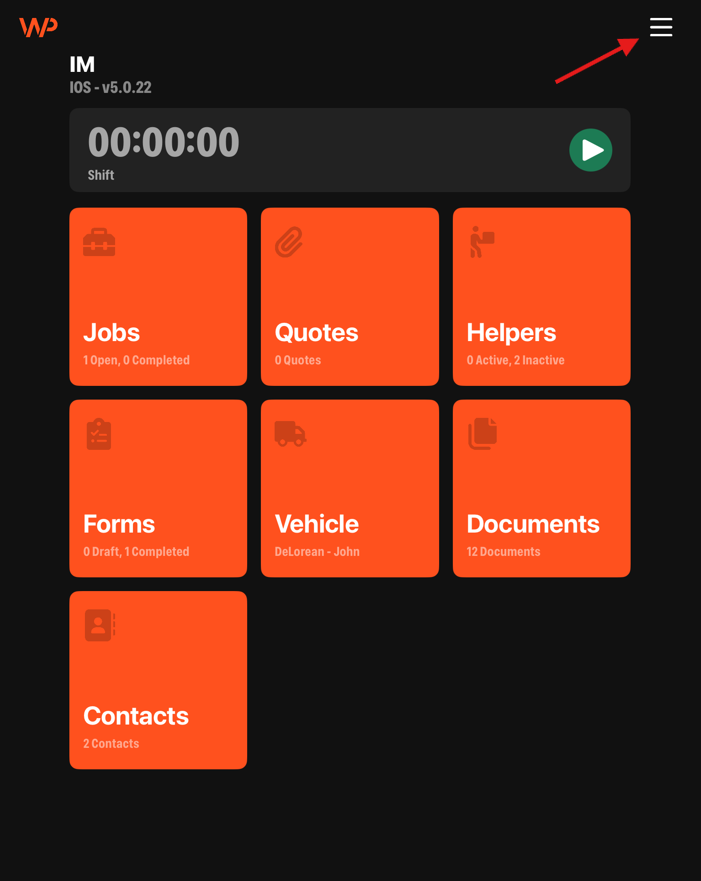
To send the Debug Report, first tap on the menu button at the top right of the WorkPal app:
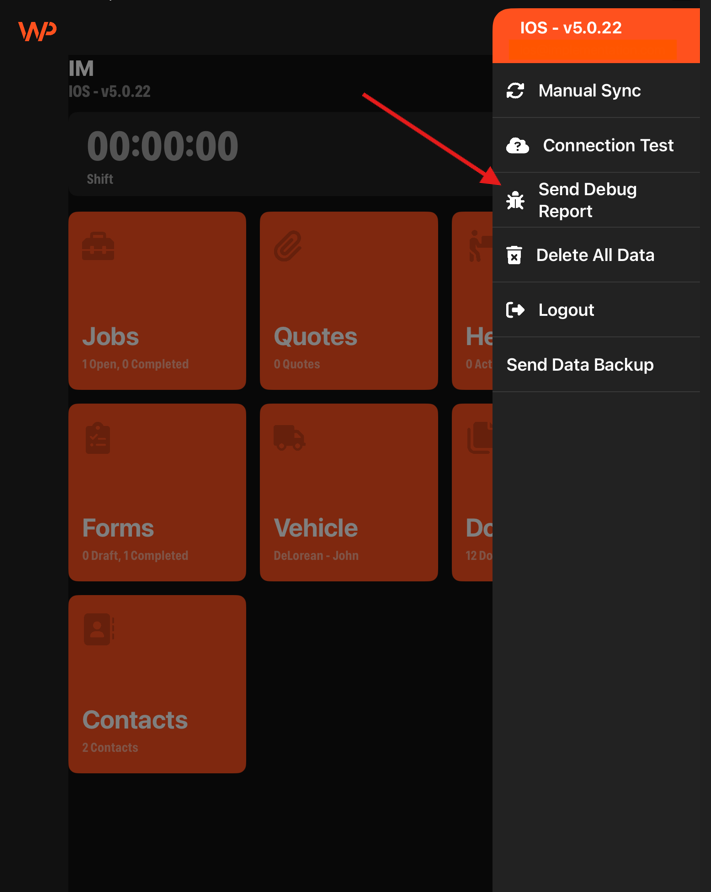
Next, tap on the 'Send Debug Report' button:
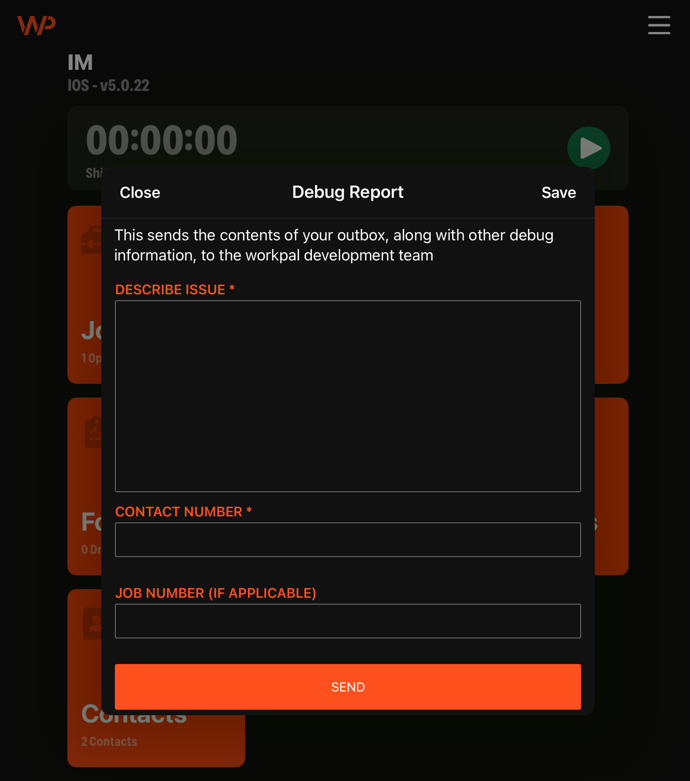
Describe your issue, enter your contact number and job number (if applicable):
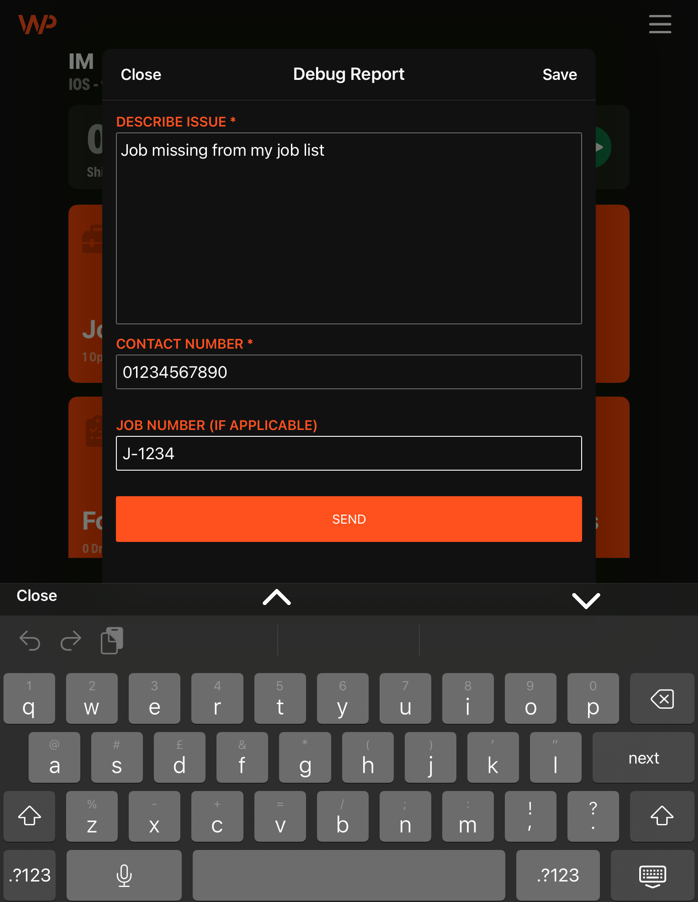
Finally, tap on the 'Send' button to send the Debug Report to the Support team.