

This guide will show you how to move a Client between Groups.
Go to Clients:

You can also use the Clients tab in the top menu:

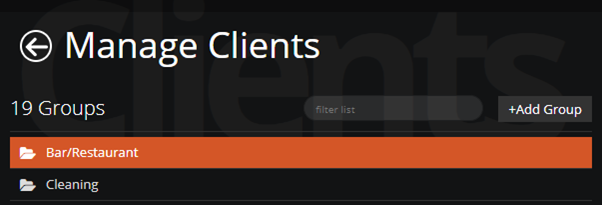
Select the Group from the list:
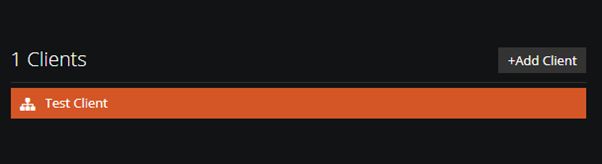
Double Click on the Client:
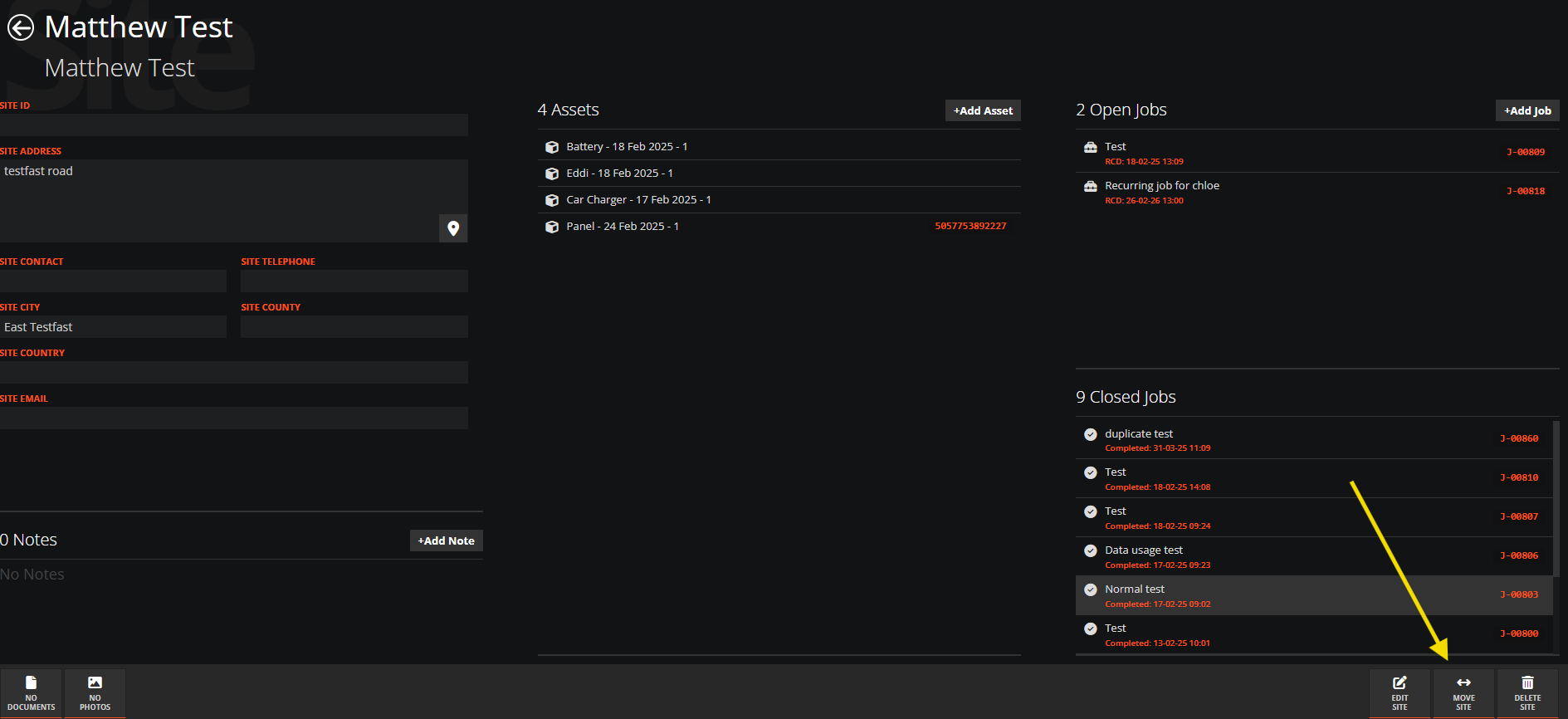
At the bottom right corner of the screen select MOVE CLIENT:
From the Drop down list select the Group you want to move this Client into:

Finally select Move Client and these changes will be updated.