

No QuickBooks ref number showing
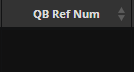
If after exporting an invoice to quickbooks, the QB Ref Num doesn't get populated (see screenshot below) please follow the below steps
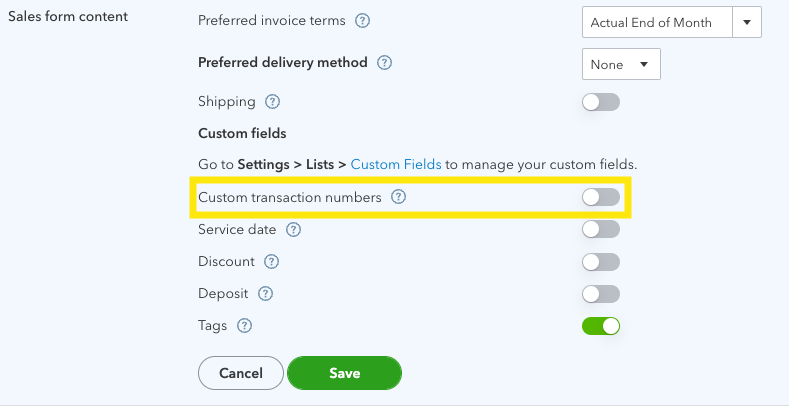
Check that the Quickbooks account has "Custom Transaction Numbers" toggled turned off. This Can be found by going to quickbooks and then selecting the below options:
Gear Icon > Account and Settings > Sales > Sales form content
Need a Hand?
If you're experiencing any issues with the QuickBooks Reference Number not appearing in WorkPal, or if information isn't syncing between QuickBooks and WorkPal as expected, our Support Team is here to help.
📞 028 9344 5660
📧 support@workpal.app
🌐 www.workpal.app