

Start by selecting the Quotes tile.

Select the Quote you would like to create a Job from in the Quote list, or use the Search bar to search for the Quote.
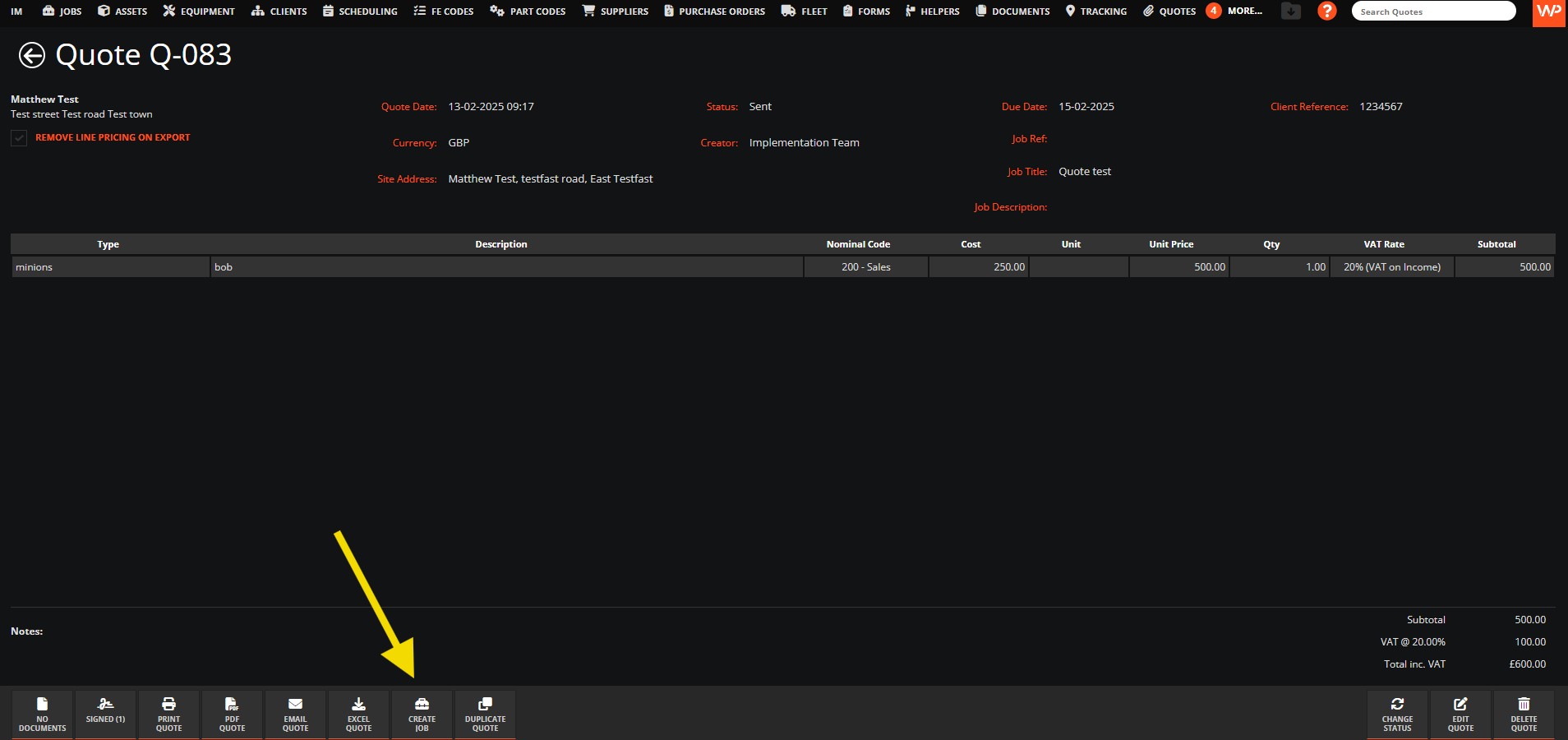
Click on the Create Job button,
Select a Priority
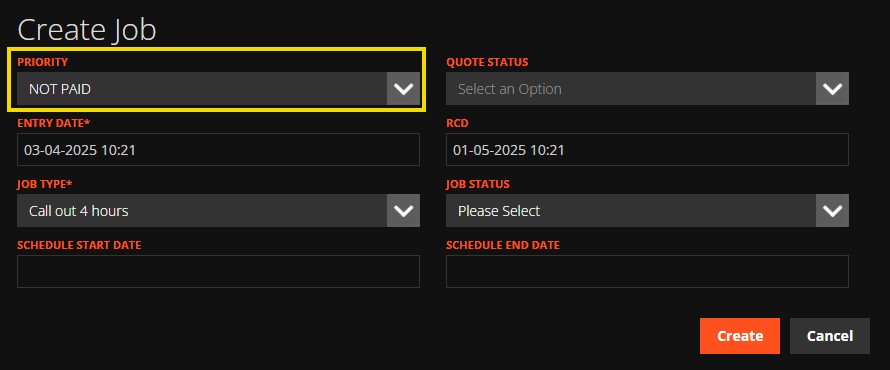
The Priority will determine the RCD (Required Completion Date).
This is the date you would like the Job completed by.
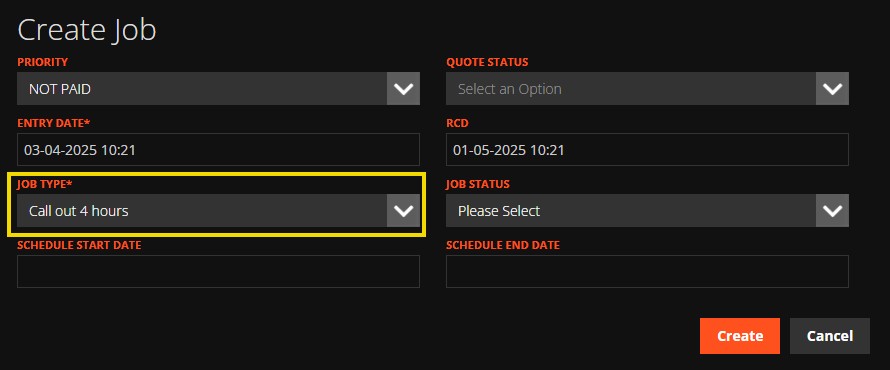
Select a Job Type if required.
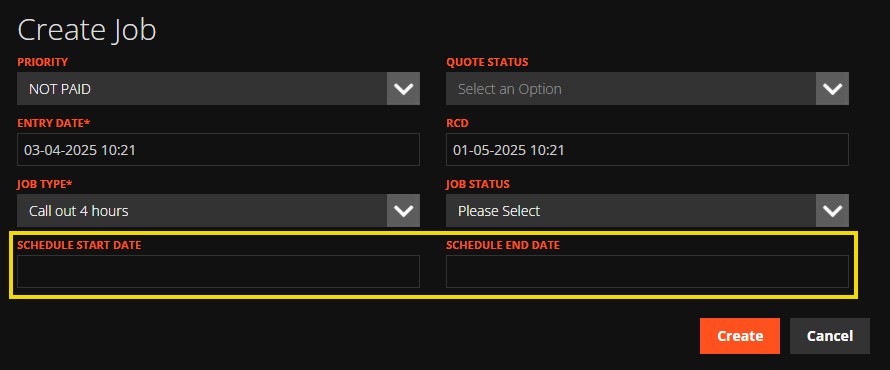
Enter the schedule start date and schedule end date if you would like to add the job to the Scheduling calendar.
Click on Create.
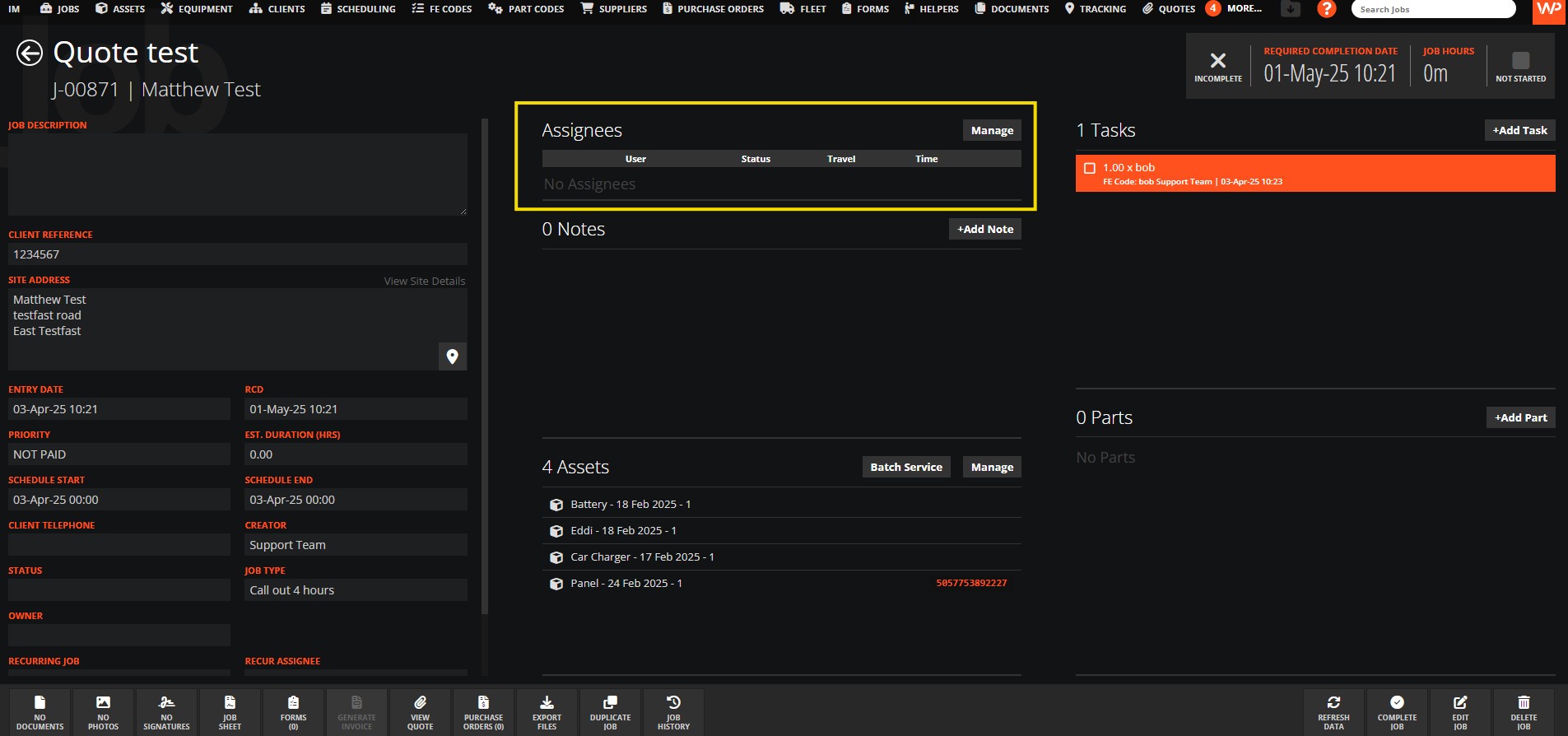
You can then Assign a user to this job.
For more options on Quoting, please see our guide on the Quotes Preferences
Need a Hand?
If you're experiencing any issues creating a Job from a Quote in WorkPal, such as converting Quotes, transferring information, or managing the resulting Job, our Support Team is here to help.
📞 028 9344 5660
📧 support@workpal.app
🌐 www.workpal.app