

Select Clients from the home screen tiles or top menu.

Click the +Add Group button.

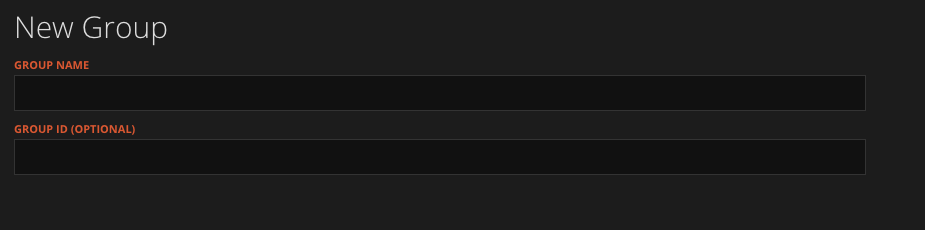
Add the Group name and ID (optional).
You can now add or move existing clients to that Group.
Need a Hand?
If you're experiencing any issues creating, editing, or managing Groups in WorkPal, our Support Team is here to help.
📞 028 9344 5660
📧 support@workpal.app
🌐 www.workpal.app