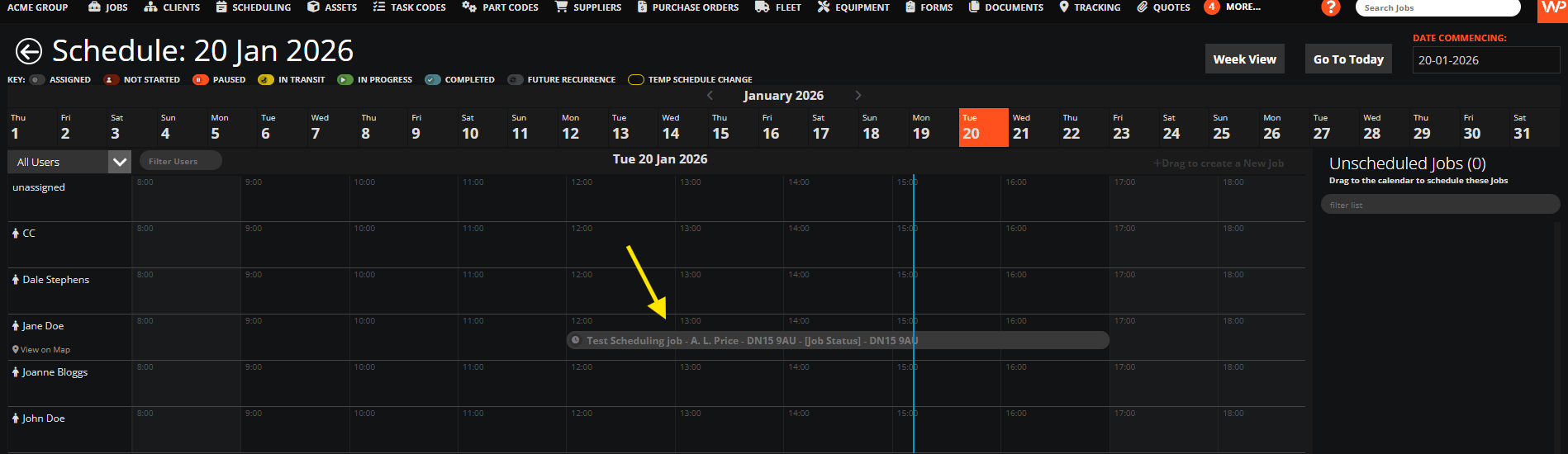
Let's do it together!
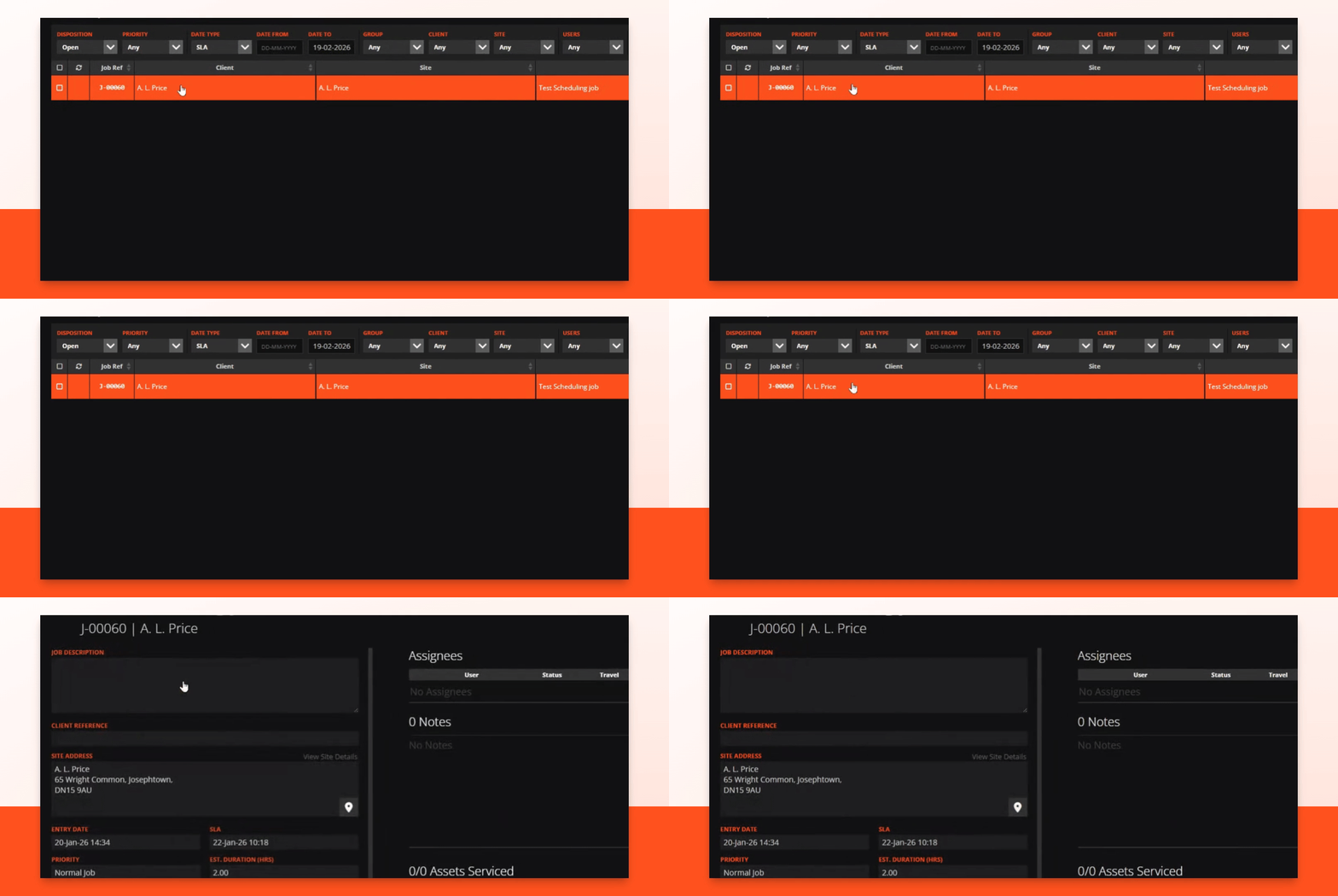
Step 1: Access Jobs
Click the Jobs tab to view your job list.

Step 2: Select Job
Double click the job you want to edit for more details.
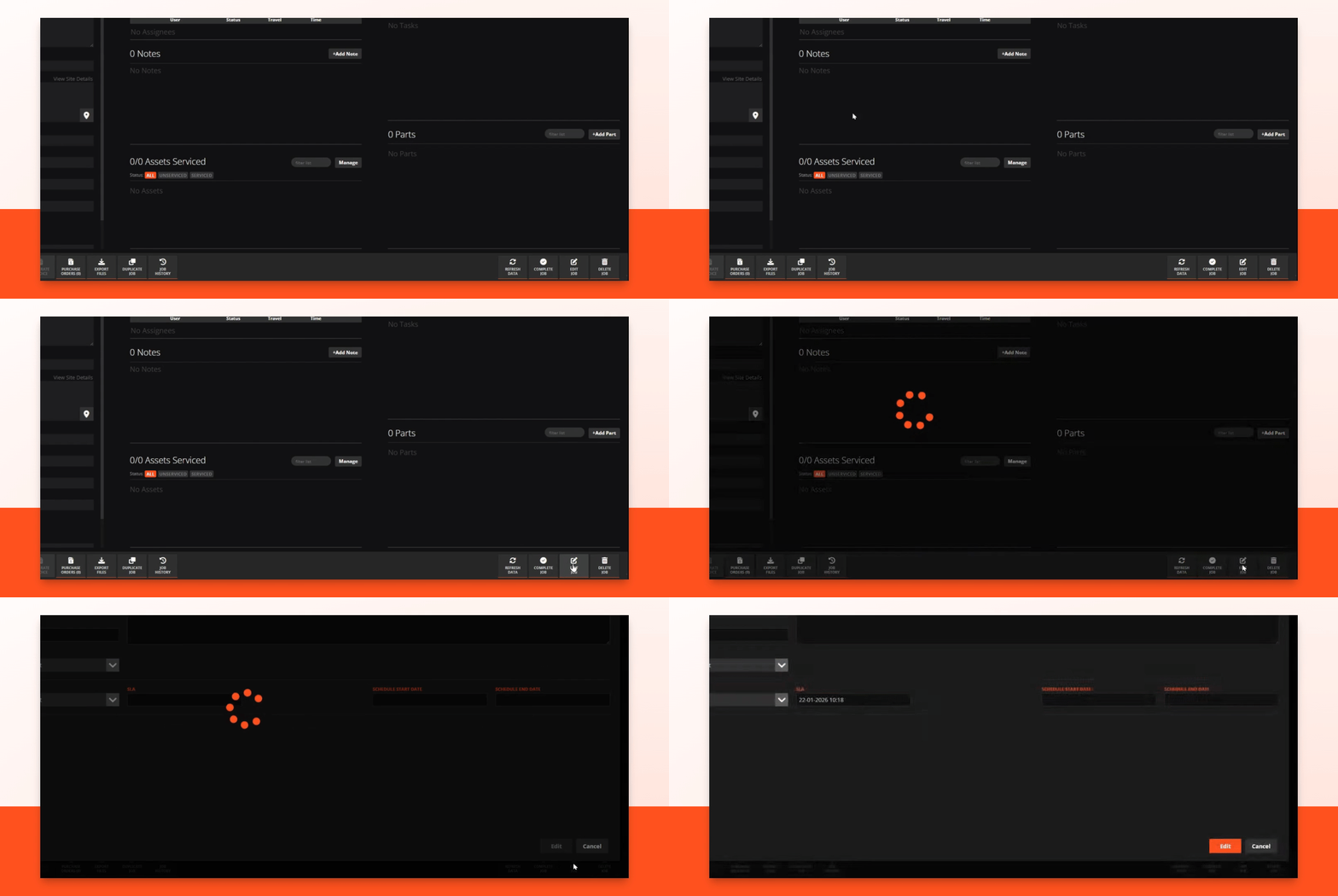
Step 3: Edit Job
Click the Edit Job button to make changes.
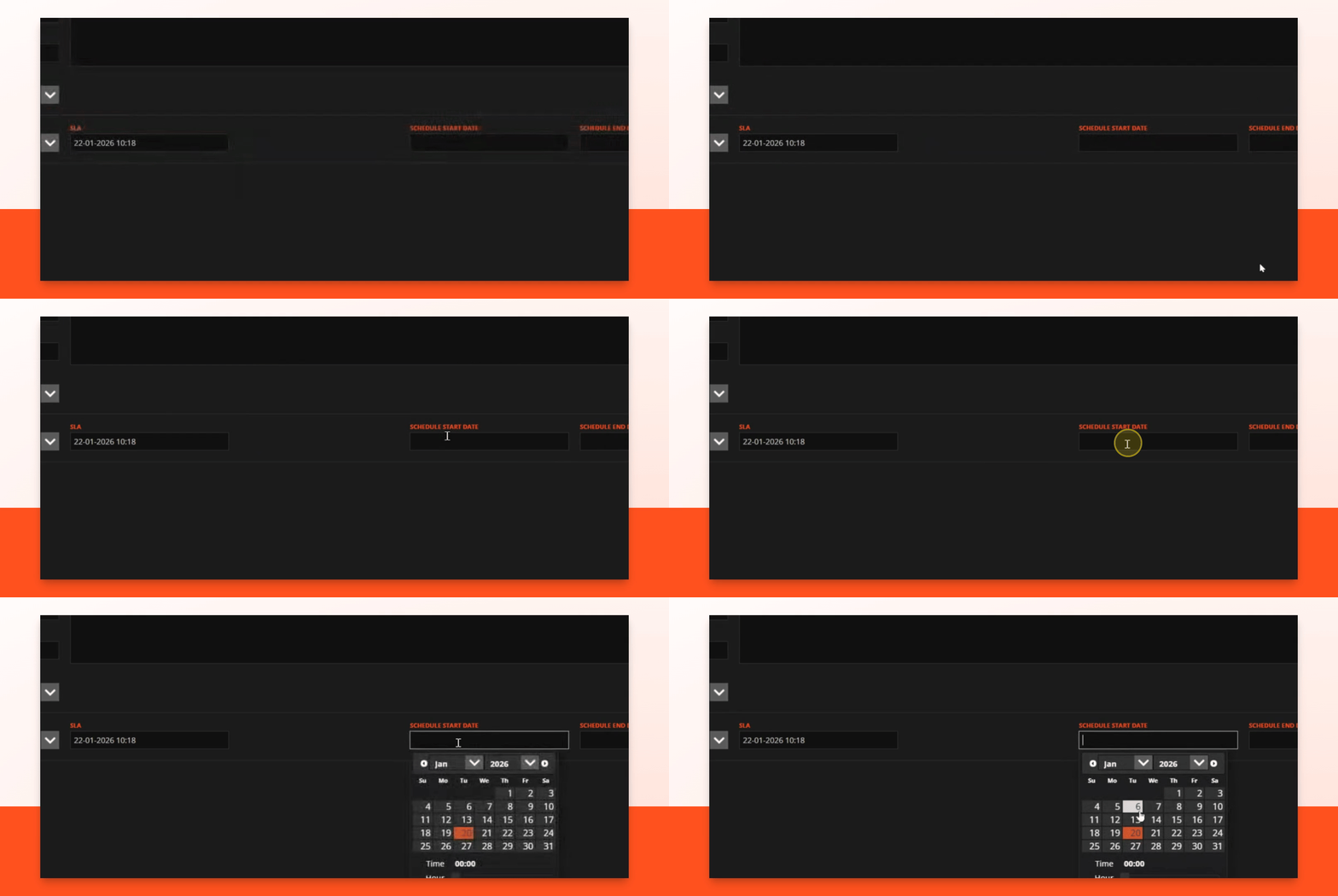
Step 4: Set Start Date
Select the schedule start date for the job.
Step 5: Set End Date
Select the scheduled end date for the job.

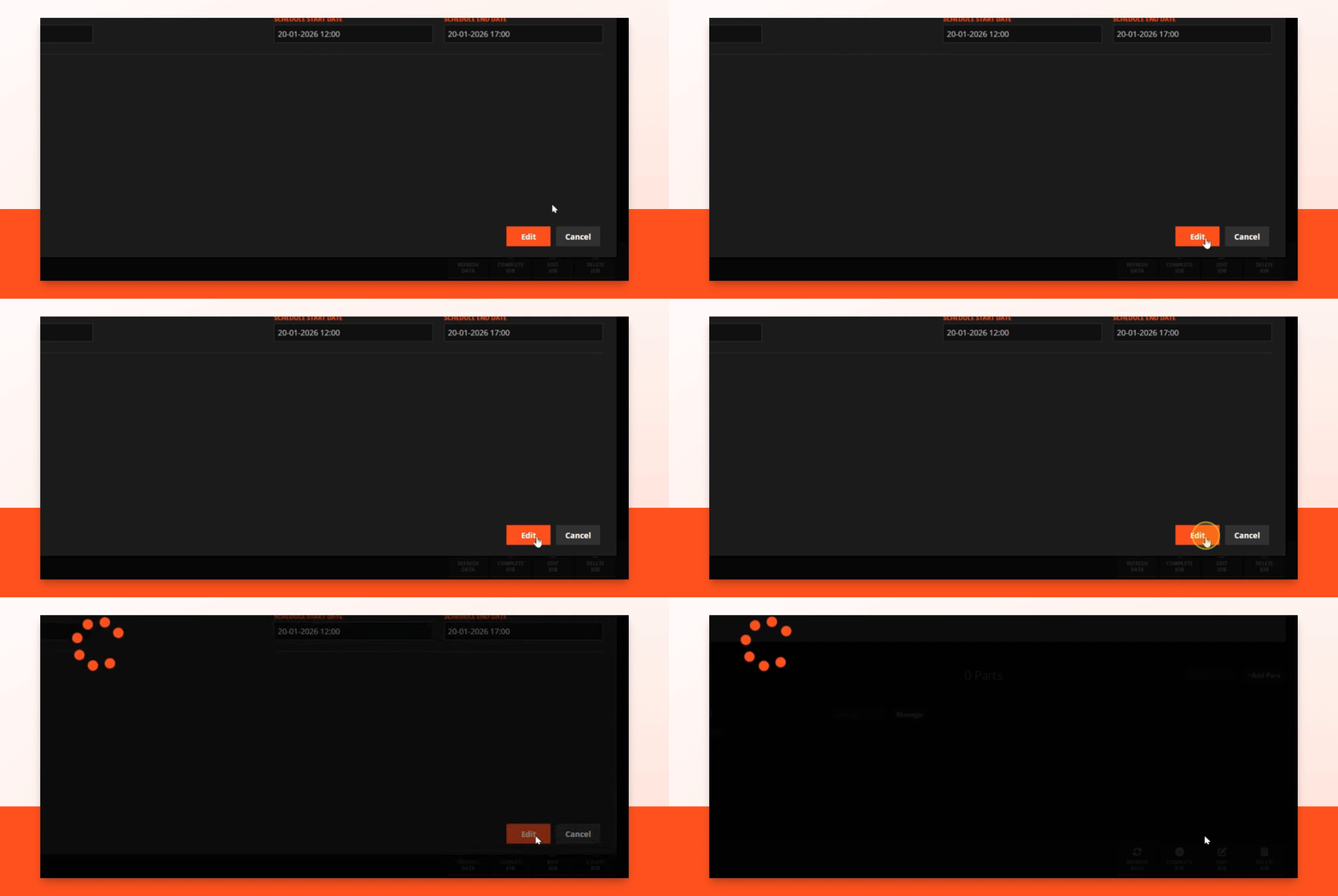
Step 6: Save Changes
Click the Edit button to save your changes.
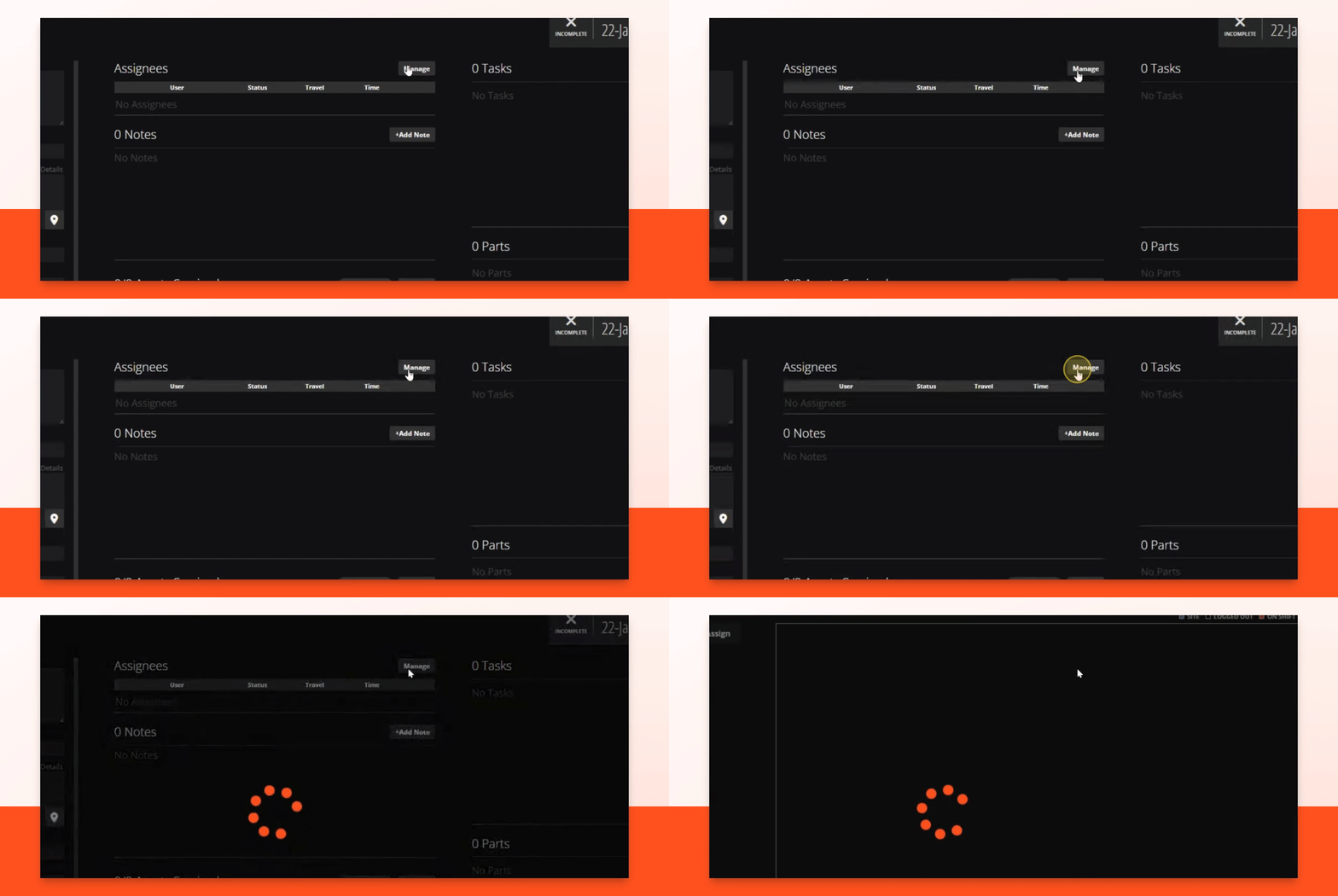
Step 7: Manage Assignees
Go to Assignees and click the Manage button.
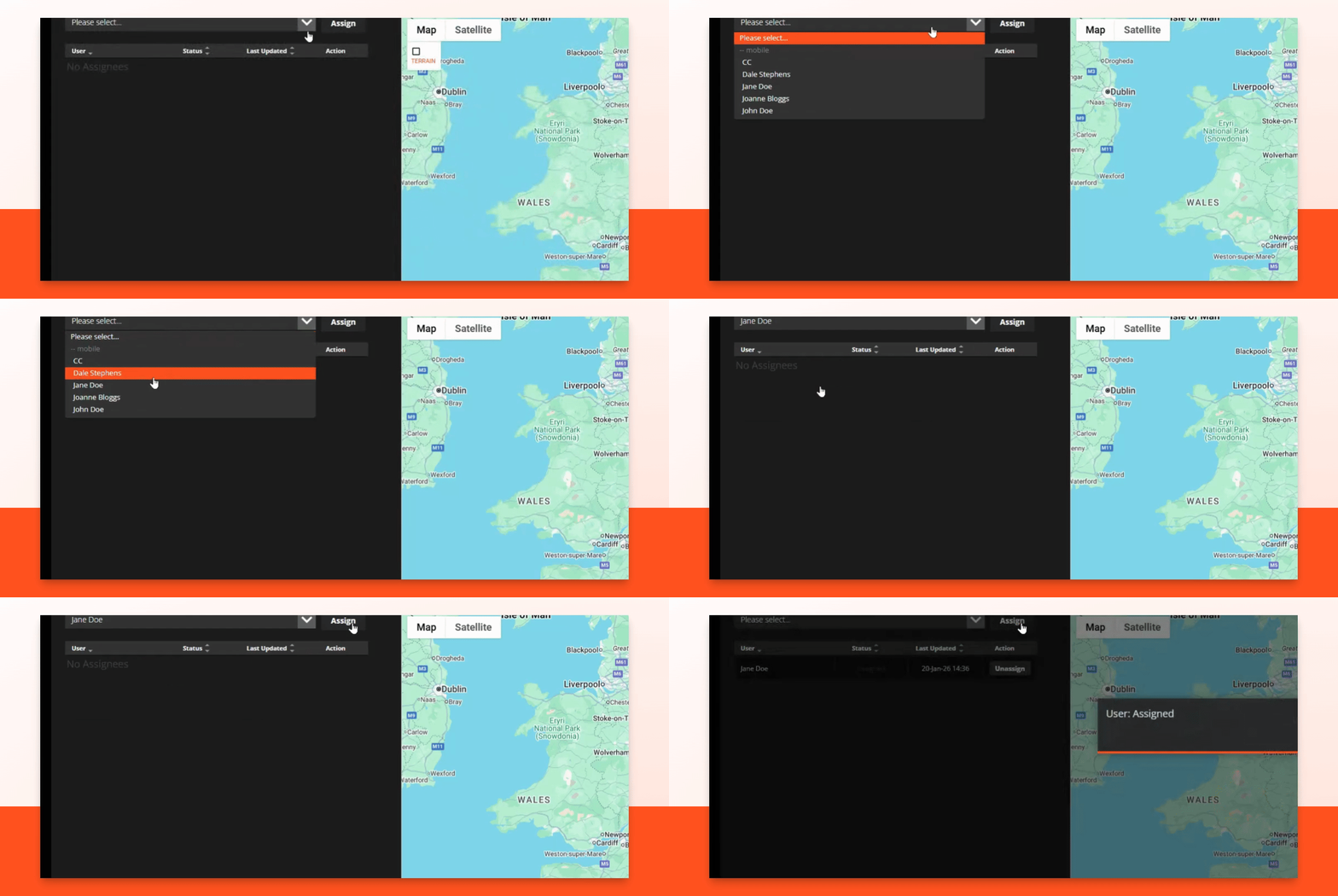
Step 8: Assign Job
Select an assignee from the drop down list and click assign.
Step 9: Check Schedule
Go to the Scheduling tab to view the job schedule.
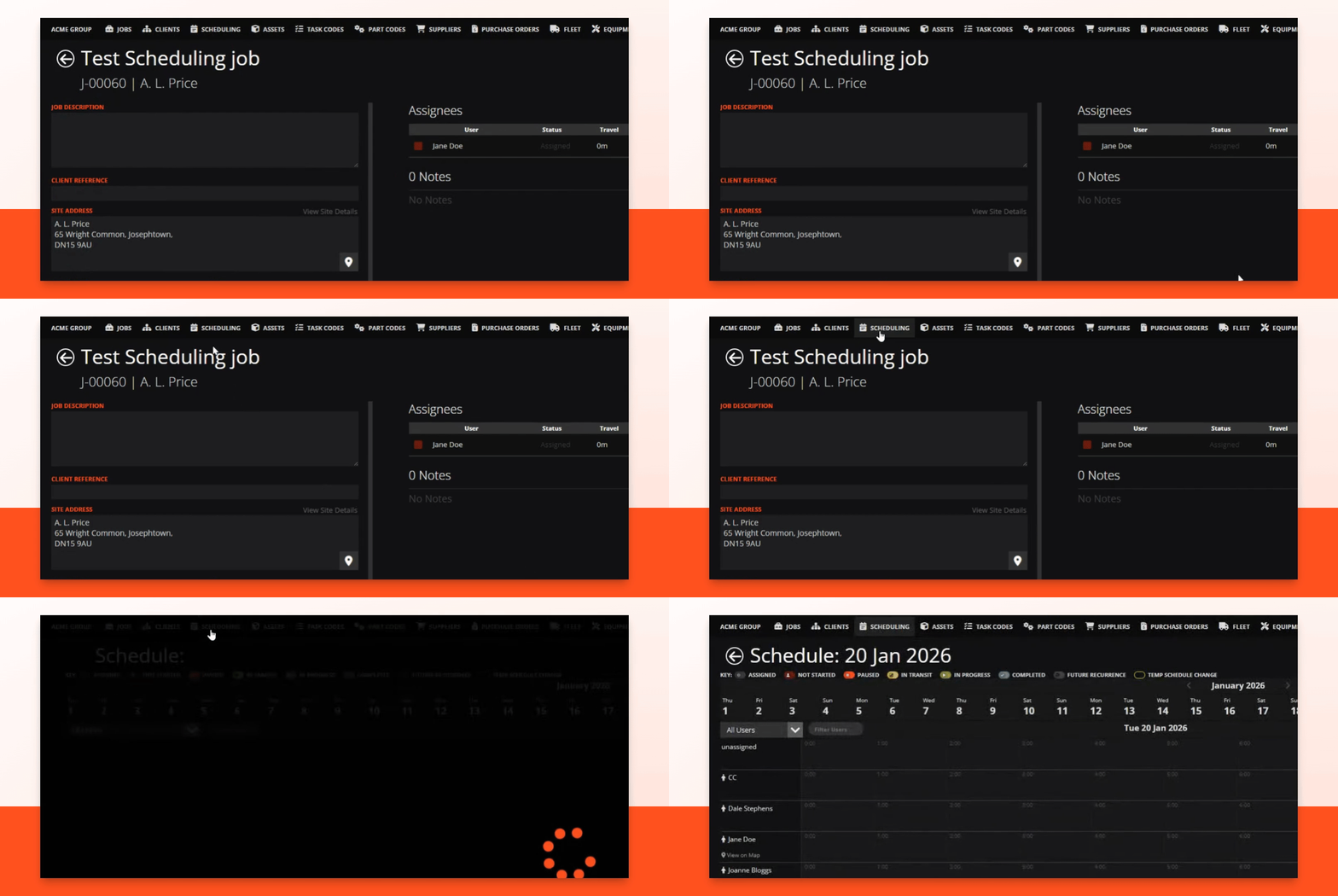
Step 10: Confirm Job
You can see your job scheduled for the selected day!