

Dashboards are opened from the WP button/menu in the top-right of the Desktop App.
How to open Dashboards
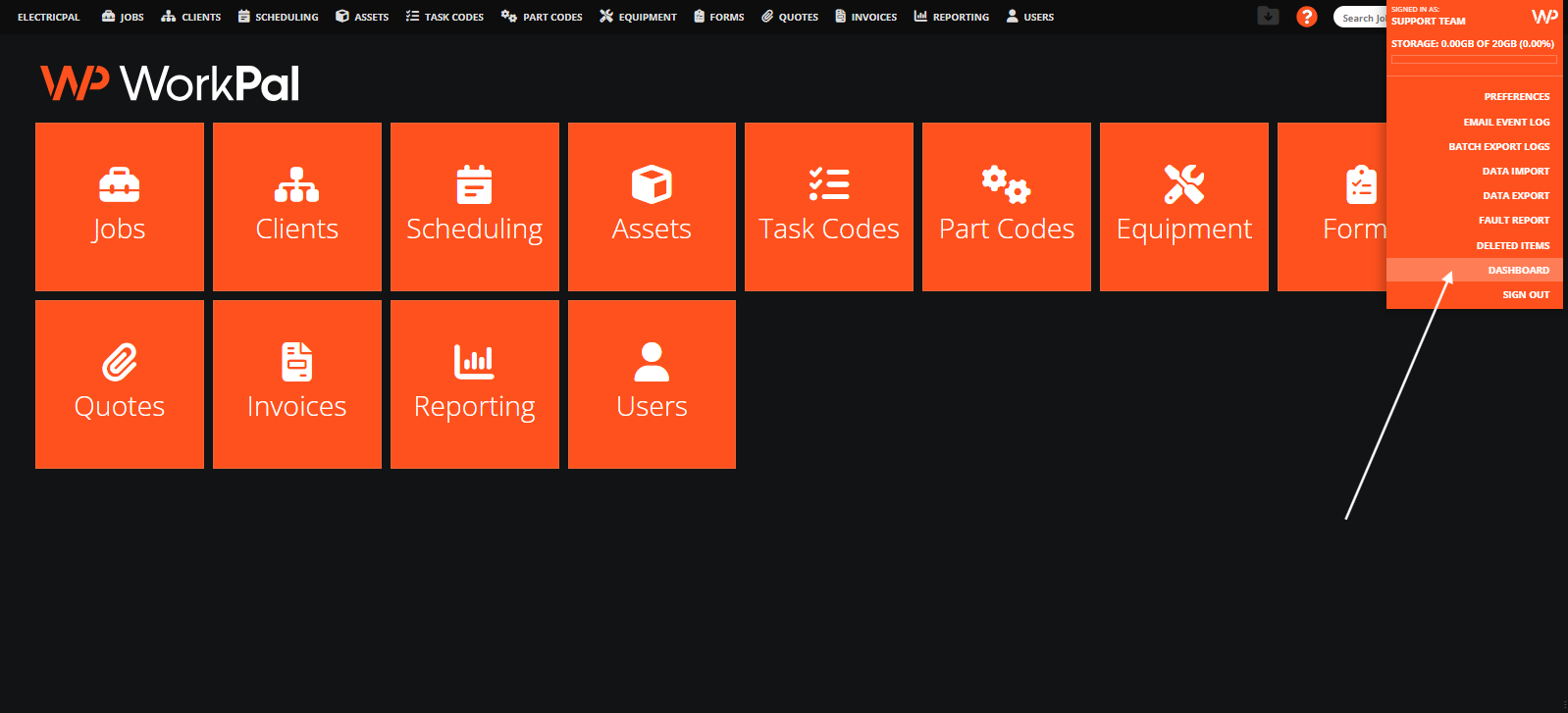
In the Desktop App, click the WP button/logo at the top right.
Click Dashboard in the pop-out menu.
What you see when Dashboards opens
A dashboard page (or page selector if multiple pages exist)
A set of widgets on that page
Each widget showing a number or chart
Dashboards are read only. Clicking is safe: you’re either viewing records or downloading an excel breakdown.