

WP Logo > Data Import > Download Import Templates > Stock
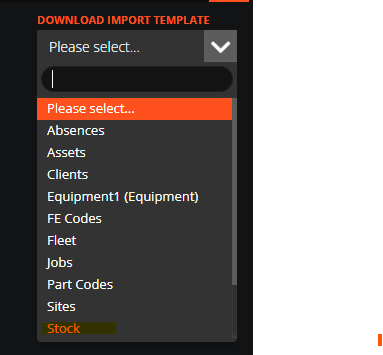
You can also import part codes, suppliers, supplier parts costs codes. The import templates are available from the 'Data Import' tab.
Once the data is organised on the template, come back to the 'Data Import' tab and drag and drop your file.
Please note, your file must be named in particular format. If you are importing Stock, the filename must include the word 'Stock' as the first word.