

Want to switch WorkPal between Light Mode and Dark Mode? You can change your display theme in just a few clicks.
Change Your Theme
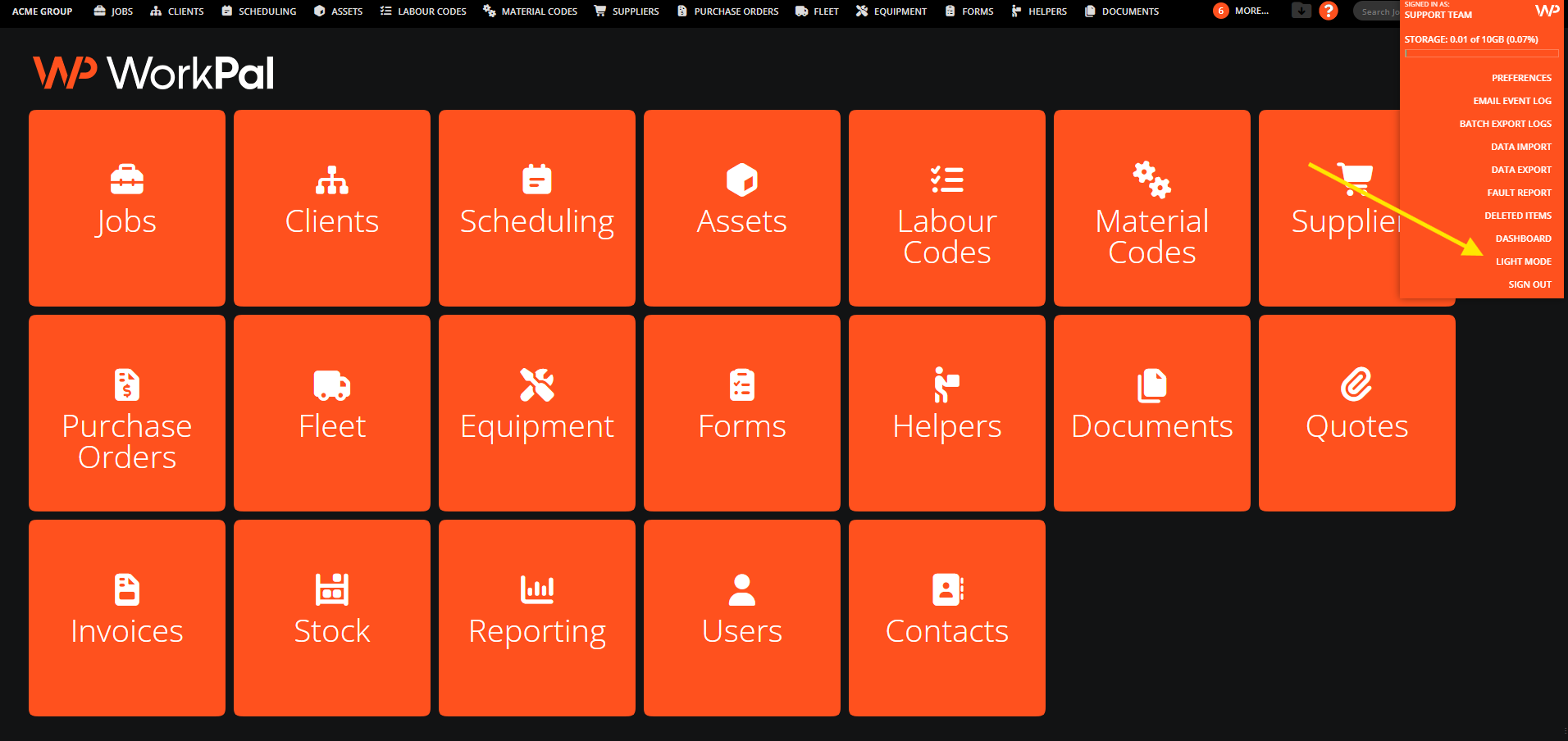
Click the WorkPal (WP) logo in the bottom-left corner.
Select Light/dark Mode from the menu.
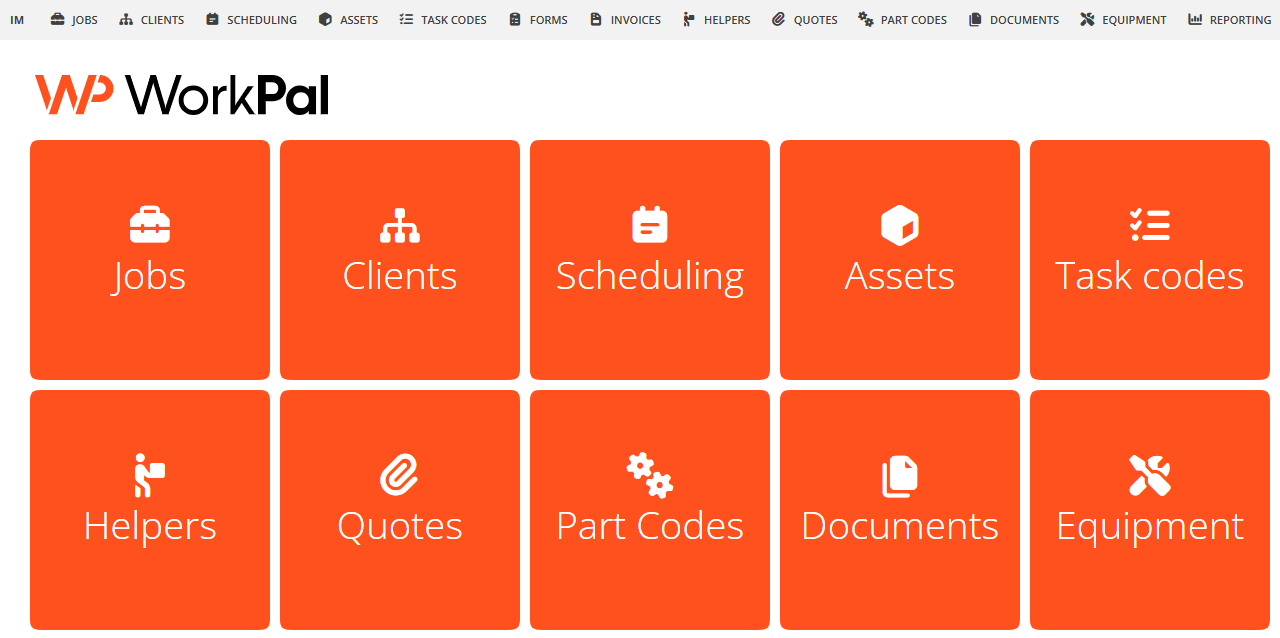
☀️ Light Mode for a brighter, more traditional interface.
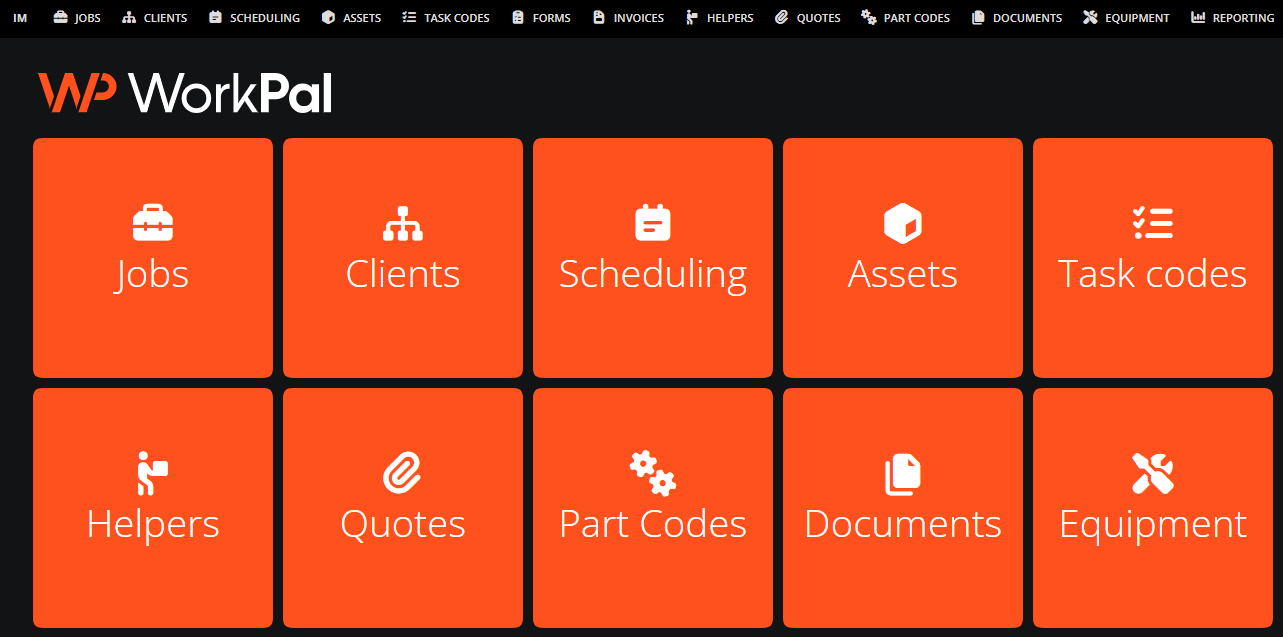
🌙 Dark Mode for those who prefer a darker workspace.
Need a Hand?
If you're experiencing any issues using Light Mode, such as changing display preferences, our Support Team is here to help.
📞 028 9344 5660
📧 support@workpal.app
🌐 www.workpal.app