

In the WorkPal Portal go to Clients.

You can also use the Clients tab in the top menu.

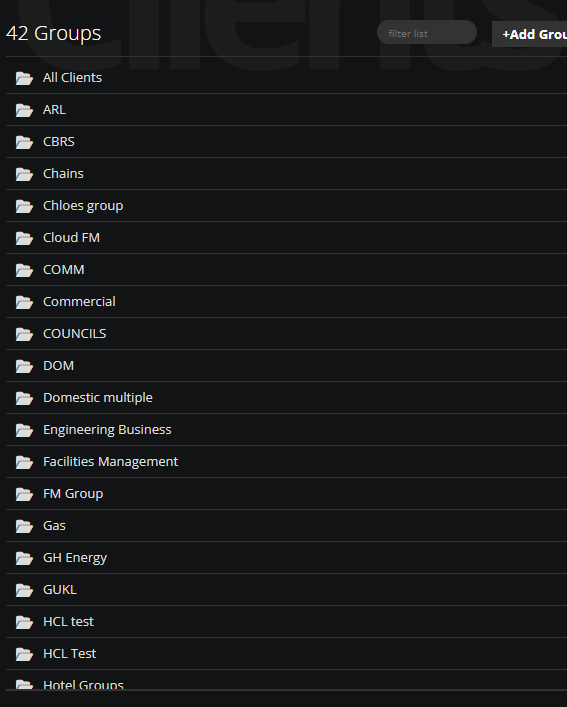
Select the group from the list.
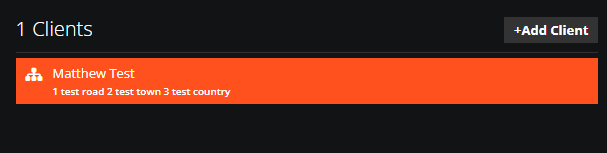
Double Click on the Client.
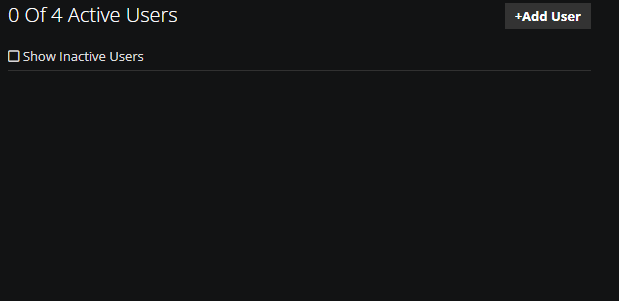
If you do not have any Client Portal Users you will see this. If you want to add Client portal Users just select +Add Client Portal User.
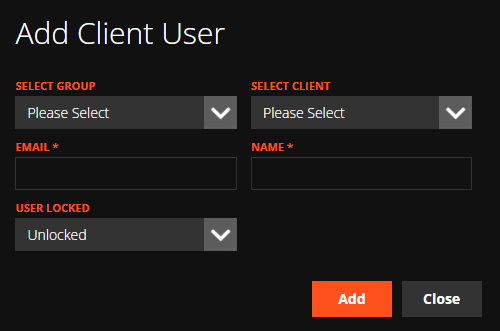
Select the Client you would like to connect the Client Portal account to and fill in the details below. Once you have filled this in just select Add
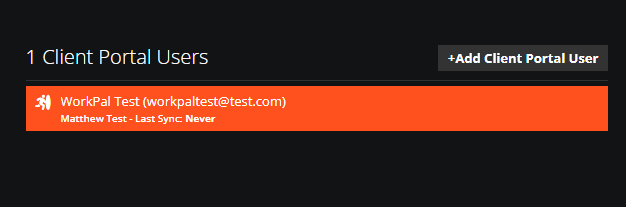
Your new Client User will be shown on the Client page you selected.
Double click on it and you will be able to edit it.
You can also Edit and view the Client Portal Users from the 'Users' page, under the 'Client' tab.
Need a Hand?
If you're experiencing any issues adding, managing, or providing access to a Client Portal User in WorkPal, our Support Team is here to help.
📞 028 9344 5660
📧 support@workpal.app
🌐 www.workpal.app